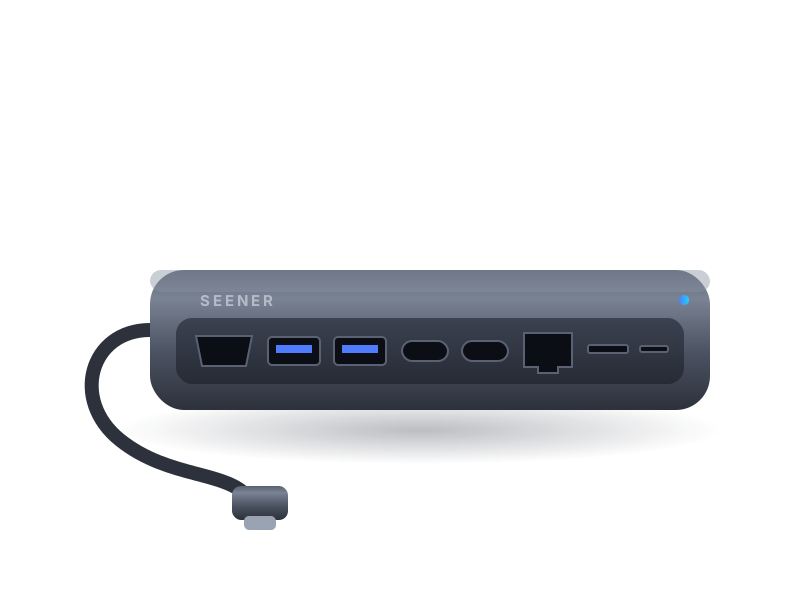
Seener Dock Pro
One cable from your laptop to a full desk setup — display, power, network and storage.
Coming 2027- 4K@60Hz HDMI 2.0 output for sharp, smooth external displays
- Up to 100W USB-C Power Delivery pass-through charging
- Three 10Gbps USB ports (2× USB-A, 1× USB-C data)
- Gigabit Ethernet for a stable wired connection
- SD and microSD readers (UHS-I) that can be used at the same time
- Aluminum unibody that spreads heat across the whole shell
Not yet available to order. Specifications reflect final design targets and may be refined before release. Covered by our 2-year limited warranty and 30-day returns once on sale.
Designed around the details
Honest power figures
The hub reserves up to 15W for its own ports, so a 100W charger delivers up to about 85W to your laptop. We print this on the box, not just in fine print.
Built for full desks
Run a 4K monitor, wired network, keyboard, mouse and a fast SSD from a single USB-C port — and keep them connected when you undock and come back.
Thermal design
A thick aluminum shell and internal thermal pads move heat away from the chipset, keeping the surface comfortable during long sessions.
Driver-free setup
Plug and play on macOS, Windows, ChromeOS, iPadOS and most Linux distributions. No apps, no accounts, no background software.
Technical specifications
| Host connection | USB-C, integrated 20 cm cable (requires DisplayPort Alt Mode for video) |
|---|---|
| Video output | 1× HDMI 2.0 — up to 3840×2160 @ 60Hz |
| Power input | 1× USB-C PD 3.0, up to 100W input; up to ~85W delivered to host |
| USB data | 2× USB-A 10Gbps, 1× USB-C 10Gbps (data only) |
| Network | 1× RJ45 Gigabit Ethernet (10/100/1000 Mbps) |
| Card readers | SD and microSD, UHS-I, up to 104 MB/s |
| Materials | Anodized aluminum alloy, braided nylon cable |
| Dimensions | 120 × 46 × 14 mm |
| Weight | Approx. 105 g |
| Operating temperature | 0–35 °C |
Before you connect
- Video requires a USB-C port with DisplayPort Alt Mode or a USB4 port.
- Drives one external display through the HDMI port.
- Charging requires a USB-C PD charger; 65W or higher recommended for most laptops.
- iPad models with USB-C support video, Ethernet, storage and charging.
Not sure about your device? Read the compatibility guide.
What's included
- Seener Dock Pro
- Quick start guide
- Warranty information card
Seener Dock Pro questions
Can I charge my laptop and use a monitor at the same time?
Yes. Connect a USB-C PD charger to the PD input port and your laptop charges while the HDMI output and other ports stay active.
Why doesn't my laptop get the full 100W?
Every hub uses some power to run its own ports. Dock Pro reserves up to 15W, so your laptop receives up to about 85W from a 100W charger.
Does it support two monitors?
No. Dock Pro has one HDMI output and drives one external display. For multi-display setups, use your laptop's other video ports alongside the hub.
Related products
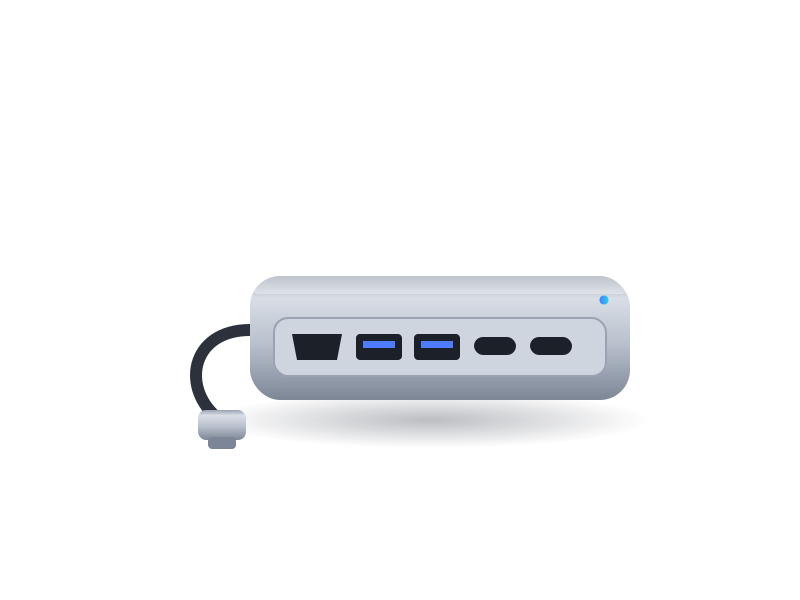
Seener Hub Mini
5-in-1 Travel Hub — The essentials in a pocket-size aluminum shell — made for bags, hotel desks and airport lounges.
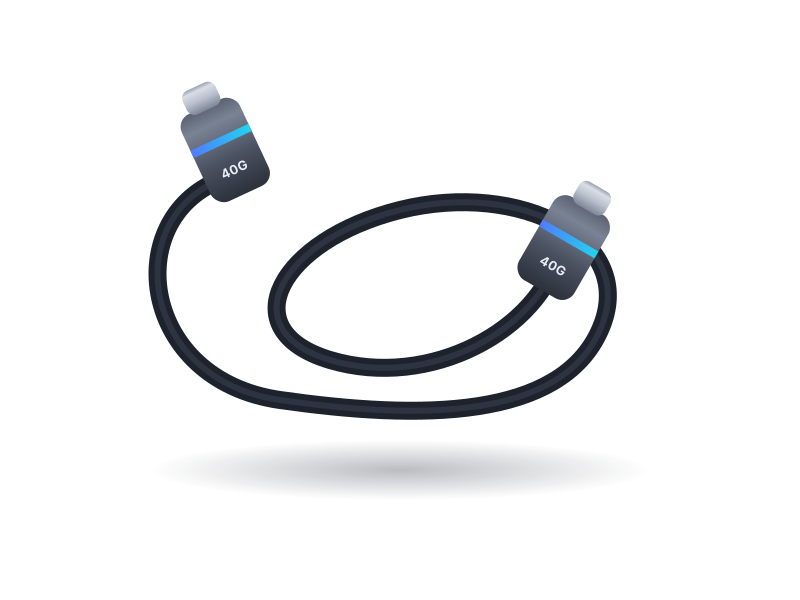
Seener Link USB4
40Gbps USB-C Cable — Full-speed USB4 data, high-resolution video and 240W charging in one short, dependable cable.
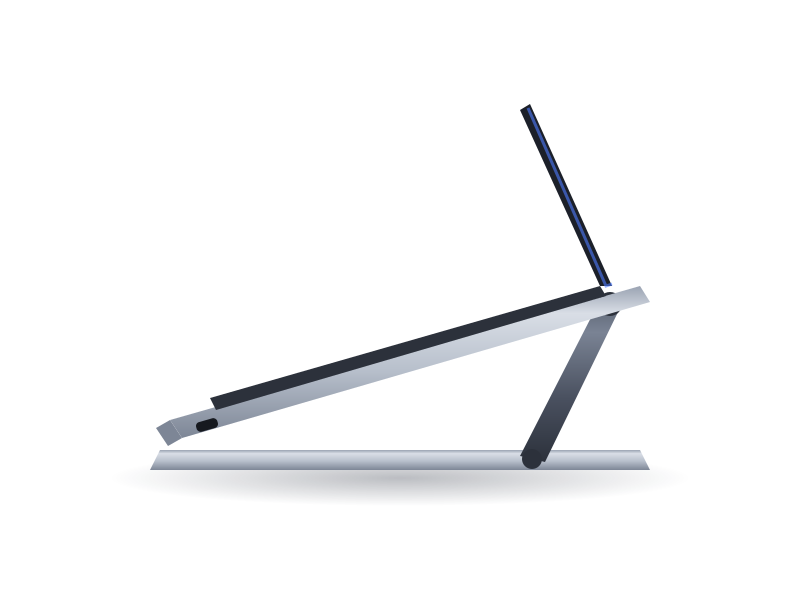
Seener Rise
Adjustable Laptop Stand — Lift your screen to a healthier height and give your laptop room to breathe.